
Download pwgen – Fast, Secure Password Generator for Firefox
Overview
If you constantly juggle multiple accounts, servers, or network devices, the last thing you want to waste time on is inventing strong passwords that meet security policies. pwgen is a lightweight Firefox add‑on that generates random, high‑entropy passwords at the click of a button. Once installed, a small “P” icon appears in the browser’s status bar; clicking it instantly creates a password, copies it to the clipboard, and displays it for quick pasting.
The tool is deliberately simple – no pop‑up dialogs, no learning curve – making it ideal for system administrators, network engineers, and power users who need a reliable, on‑the‑fly password creator. While the generated strings are intentionally non‑memorable, the randomness is sufficient for temporary accounts, service passwords, or any situation where a password must be unique and hard to guess. The add‑on also offers a right‑click context menu where you can fine‑tune length, character sets, and whether the password should be shown or hidden after generation.
In short, pwgen delivers a “set‑and‑forget” experience that lets you focus on the task at hand rather than the mechanics of password creation.
Key Features of pwgen
- One‑Click Generation: A single click on the status‑bar icon creates a password and copies it to the clipboard automatically.
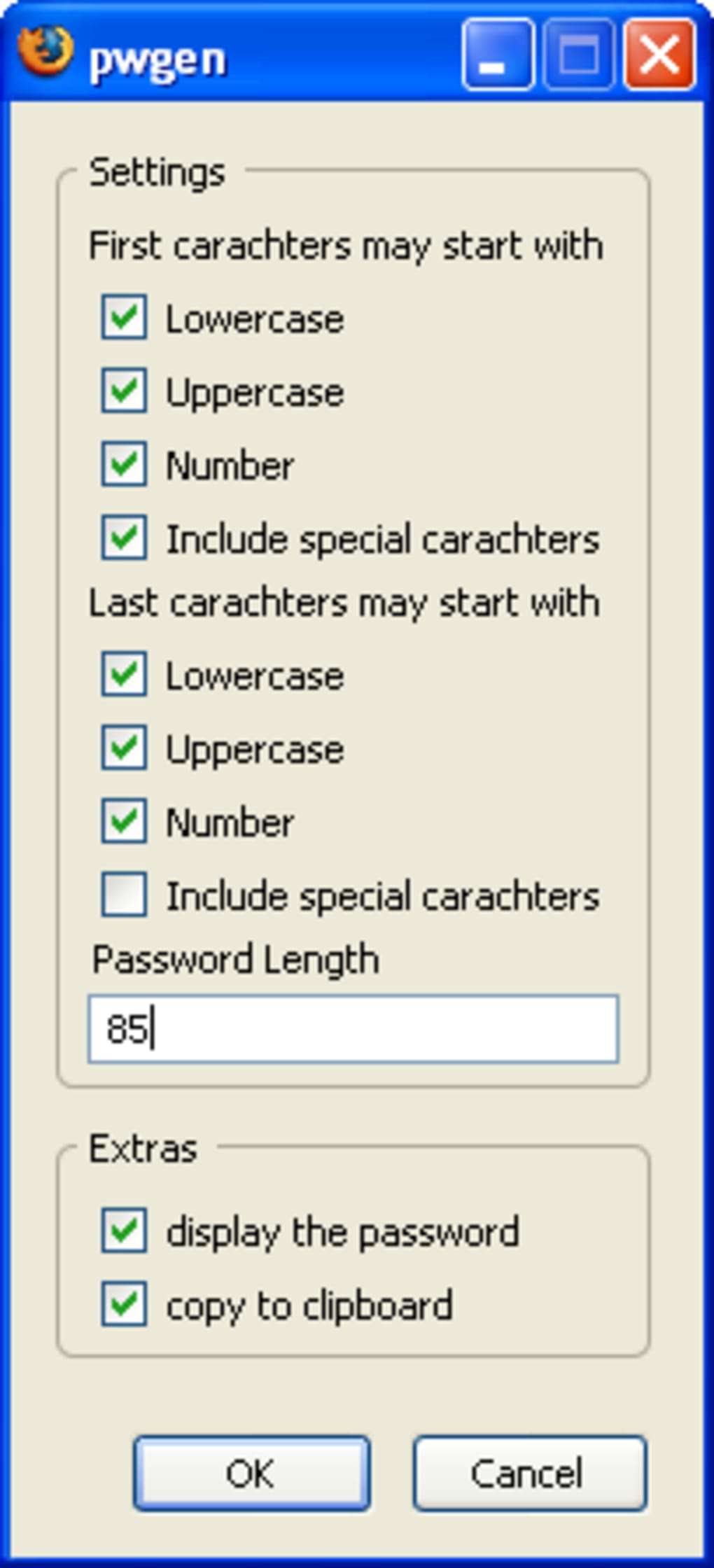
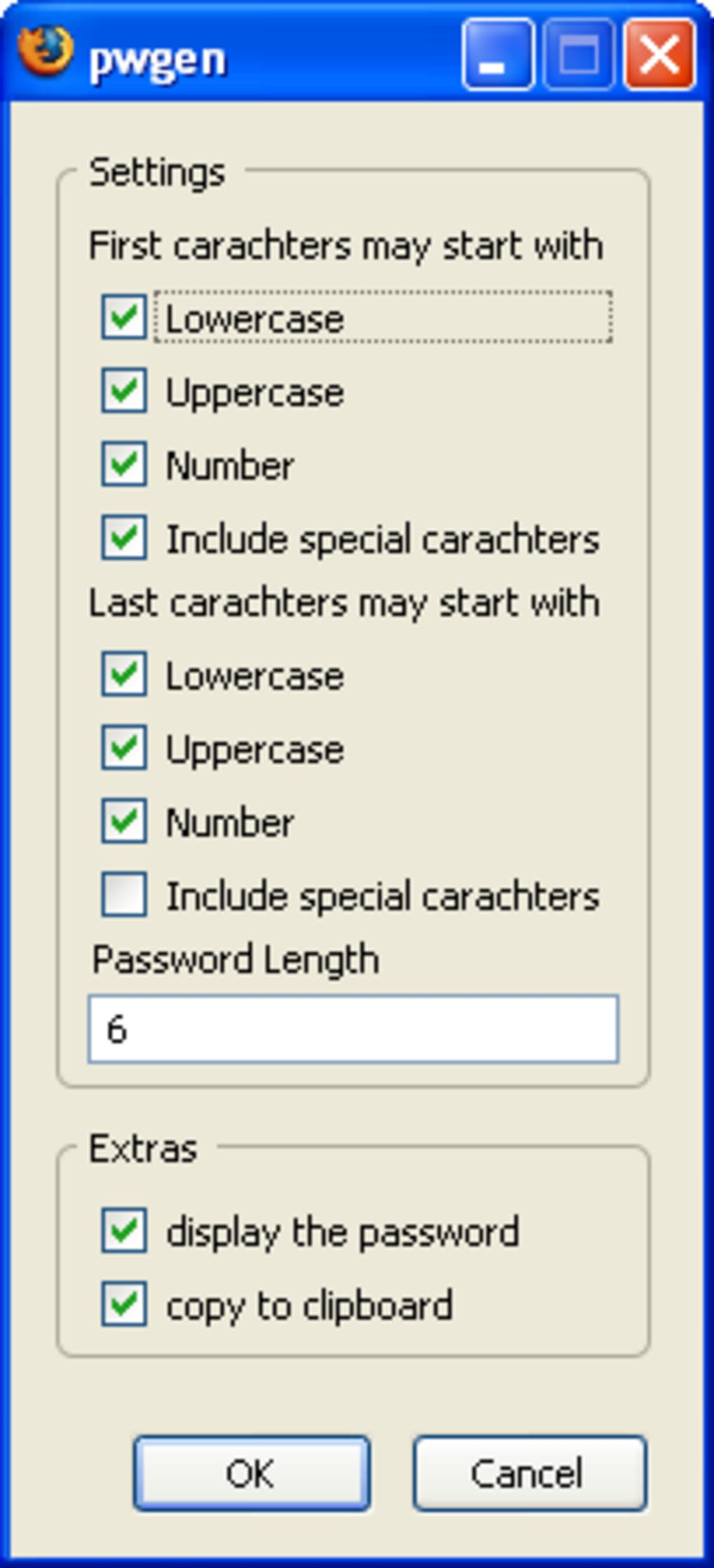
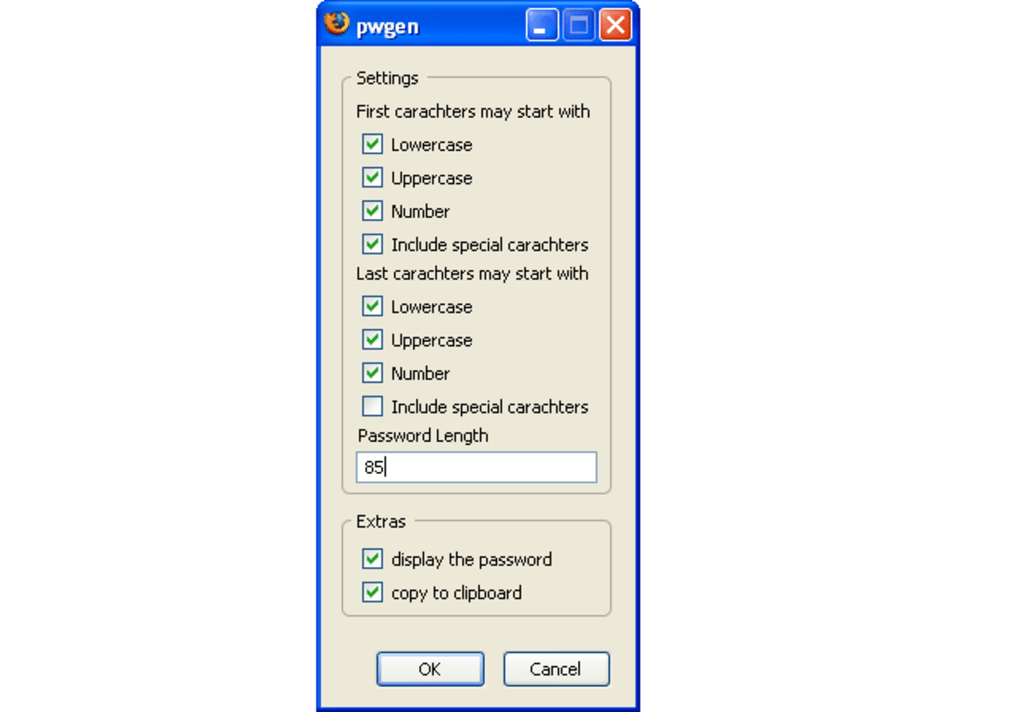
- Customizable Rules: Right‑click the icon to access options for length, character types (uppercase, lowercase, digits, symbols), and visibility.
- Zero‑Configuration Start: After a simple install and browser restart, pwgen is ready to use without additional setup.
- Secure Clipboard Handling: The generated password is placed in the clipboard for a short, configurable period to reduce exposure.
- Lightweight Design: The add‑on adds only a few kilobytes to Firefox, keeping browser performance unaffected.
- Cross‑Platform Compatibility: Works on any operating system that supports Firefox (Windows, macOS, Linux, Android).
- Open‑Source Transparency: The source code is publicly available, allowing security experts to audit the randomness algorithm.
- Frequent Updates: The developer releases regular updates to keep up with Firefox’s evolving extension APIs.
Installation & Usage Instructions
Getting pwgen up and running is straightforward, even for users who are new to Firefox extensions. Follow these steps for a smooth installation:
- Open Firefox Add‑Ons Marketplace: Navigate to addons.mozilla.org and search for “pwgen”.
- Click “Add to Firefox”: The browser will prompt you to confirm the installation. Review the requested permissions (access to clipboard and browser UI) and click “Add”.
- Restart Firefox (if prompted): Some versions may require a quick restart to load the extension into the status bar.
- Locate the “P” Icon: After restart, you’ll see a small “P” at the bottom right of the window. This is your gateway to password generation.
- Generate a Password: Click the icon once. A random password appears above the icon and is instantly copied to your clipboard. Paste it wherever you need it.
- Adjust Settings (Optional): Right‑click the “P” icon and select “Options”. Here you can set the desired length (default 12 characters), toggle inclusion of symbols, and decide whether the password remains visible after generation.
For power users, pwgen also supports keyboard shortcuts. By default, pressing Ctrl+Shift+P (or Cmd+Shift+P on macOS) triggers password generation without moving the mouse. This shortcut can be customized in the options panel.
Because pwgen copies the password directly to the clipboard, it is crucial to paste it promptly. The extension clears the clipboard after a configurable timeout (default 30 seconds) to mitigate the risk of password leakage. If you need a longer retention period, adjust the “Clipboard timeout” setting in the options menu.
Compatibility, Pros & Cons
pwgen is built for the Firefox browser, which runs on Windows 10/11, macOS 10.14+ (Catalina and later), Linux distributions (Ubuntu, Fedora, etc.), and Firefox for Android. As long as your device can install Firefox, pwgen will function without issues.
Pros
- Instant, one‑click password generation saves valuable time.
- Highly configurable rules let you meet any corporate password policy.
- Minimal impact on browser performance due to its lightweight codebase.
- Open‑source nature provides transparency and trust.
- Keyboard shortcut support enhances workflow efficiency.
Cons
- Passwords are intentionally non‑memorable, which may not suit casual users.
- Requires Firefox; not available for Chrome, Edge, or Safari.
- Clipboard auto‑clear feature may be inconvenient if you need to reuse the password later.
- Limited documentation on the underlying random‑generation algorithm.
- No built‑in password manager integration (you must copy manually).
Overall, pwgen delivers exactly what its name promises – a fast, reliable way to generate strong passwords directly from Firefox. While the lack of memorability may deter everyday users, system administrators will appreciate the tool’s simplicity and configurability. The add‑on’s tiny footprint ensures it never slows down browsing, and the open‑source code offers peace of mind for security‑focused teams. In environments where quick, random passwords are needed for temporary accounts or service credentials, pwgen is hard to beat.
Frequently Asked Questions
How random are the passwords generated by pwgen?
pwgen uses the operating system’s cryptographic random number generator (e.g., /dev/urandom on Linux or CryptoAPI on Windows) to ensure high entropy. While the exact algorithm isn’t disclosed in the UI, the source code confirms reliance on proven system RNGs, making the passwords suitable for most security policies.
Can I use pwgen on mobile Firefox for Android?
Yes. The add‑on is compatible with Firefox for Android, though the status‑bar icon appears in the toolbar instead of the bottom bar. All generation and option features work the same way.
Is there a way to store generated passwords automatically?
pwgen does not include a built‑in password vault. However, you can configure it to copy the password to the clipboard and then paste it into any password manager of your choice (e.g., Bitwarden, LastPass). Some users create a custom script that captures the clipboard and adds the entry to their manager.
What happens if I accidentally close the password dialog before copying?
The password is copied to the clipboard as soon as it appears, even if you close the tooltip quickly. The only risk is that the clipboard may be cleared after the timeout, so paste it promptly.
Can I change the keyboard shortcut for pwgen?
Yes. In the Options menu, navigate to the “Keyboard shortcuts” section and assign a custom combination that does not conflict with existing Firefox shortcuts.
Conclusion & Call to Action
When the need for strong, random passwords strikes multiple times a day, manually typing or remembering them becomes a productivity bottleneck. pwgen eliminates that friction by embedding a reliable password generator directly into Firefox’s UI. Its one‑click workflow, extensive customization, and cross‑platform support make it a must‑have tool for any professional who manages servers, devices, or privileged accounts. While it’s not a full‑featured password manager, its simplicity and security‑focused design fill a niche that many larger tools overlook.
If you’re ready to streamline your password‑creation process, click the download button below, add pwgen to your Firefox browser, and start generating secure passwords in seconds. Remember to review the options panel to match your organization’s password policy, and enjoy the peace of mind that comes with truly random credentials.







